How Ungating Works on Amazon
A quick primer on category and brand restrictions — and a real, step-by-step way to unlock your first category today.
Category vs. Brand Gating
Amazon restricts certain categories and brands to protect buyers from counterfeit or unsafe products. Getting approved — "ungated" — just means proving you're a legitimate, authorized source.
Category Gating
Entire categories require approval before you can list anything in them — regardless of brand. Commonly gated categories include:
Brand Gating
Even inside an open category, specific brands can still need their own approval — usually to protect against counterfeits. A few well-known examples:
The General Process
Every ungating request comes down to the same three things.
Buy From an Authorized Distributor
Not retail arbitrage — a real wholesale or authorized-dealer account. This is the account type our Distributor Vault and the wholesale accounts you open in Step 2 of the roadmap are built for.
Keep the Invoice
The invoice's business name and address need to match what's on file with your Amazon seller account. Mismatches are the #1 reason ungating requests get rejected.
Submit Invoice + Product Photos
Amazon's ungating application asks for the invoice and clear photos of the physical product (and packaging) for the exact ASIN you're applying for.
Get Ungated in Grocery
Grocery is one of the largest third-party-friendly categories on Amazon. Here's a real, low-cost way to unlock it.
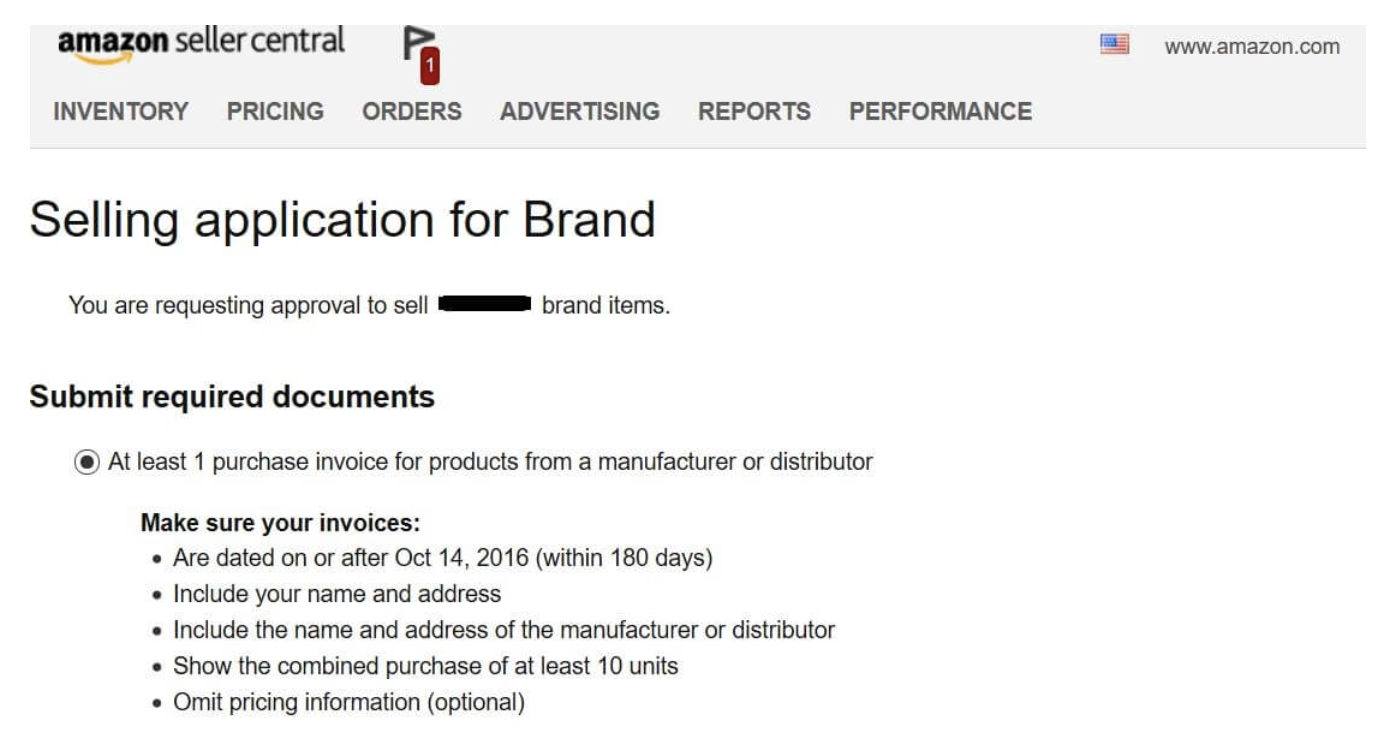
Your invoice needs to show:
This is exactly why the walkthrough below has you order 10 units — it's the minimum Amazon looks for on a single invoice.
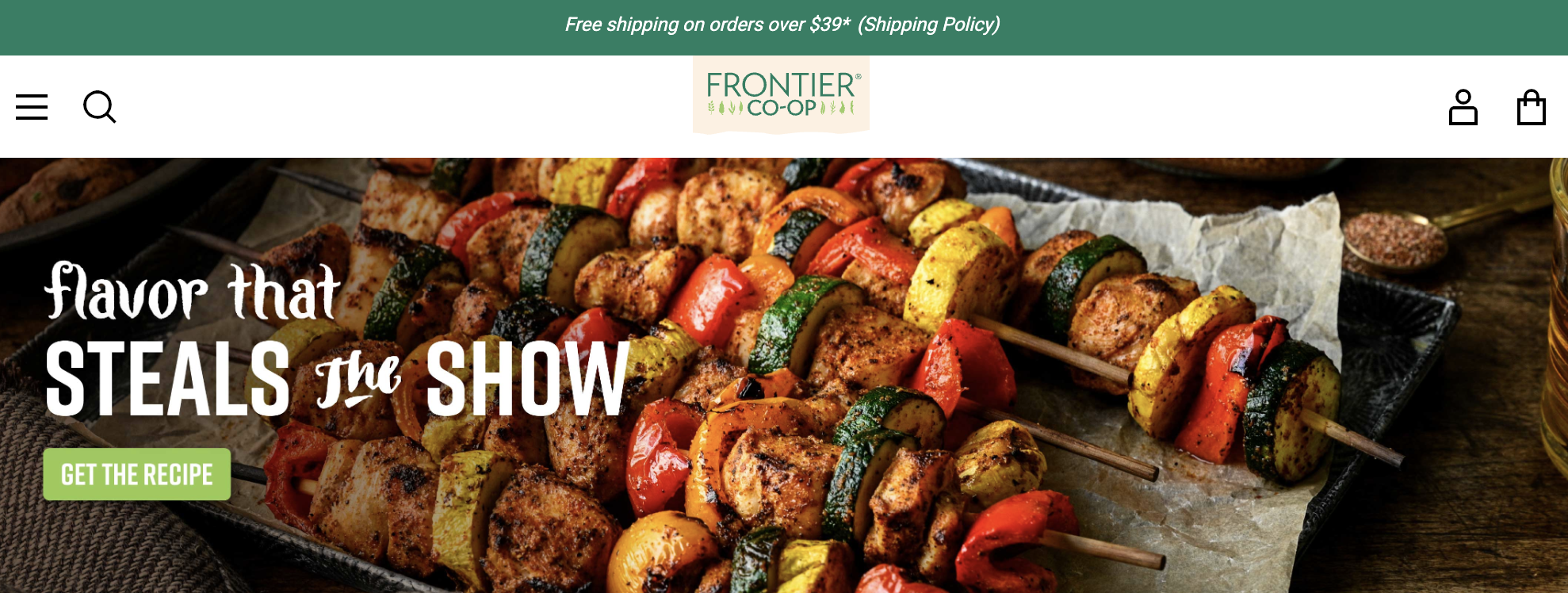
Create a Frontier Co-op Account
Sign up at frontiercoop.com. Make sure the business name and shipping address exactly match what's on file with your Amazon seller account — this is what Amazon checks the invoice against.
Order 10 Units of Pumpkin Pie Spice
Frontier Co-op Pumpkin Pie Spice (1.72 oz) is one of their more affordable items — a low-cost way to get a real, verifiable invoice for a Grocery ASIN. Ten units puts the total around $62 before shipping.
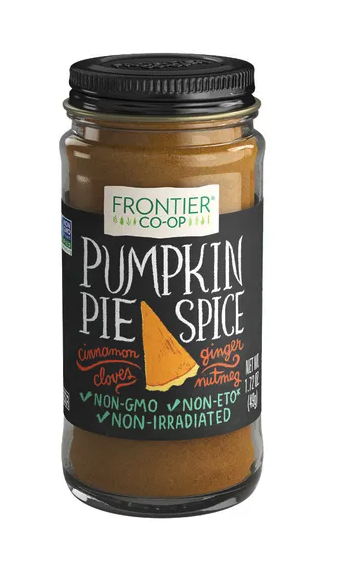
price as of 2026 — always confirm current pricing
View product on Frontier Co-opChoose Fast Shipping
Ship it to your home or business address — whichever matches your Amazon seller account. You need the physical product in hand for the photos in the next step.
Submit to Amazon's Ungating Portal
Once it arrives, upload the Frontier Co-op invoice and clear photos of the product and packaging into Amazon's application for that ASIN's Grocery category approval.
Resubmit if Needed
Approval isn't always instant on the first try. If it gets rejected, resubmit the exact same invoice and photos — a second or third attempt often goes through once Amazon's review queue catches up.
You're Ungated in Grocery
Grocery is one of the largest third-party-friendly categories on Amazon. You can now source and list in it freely.
From Ungated to Your First Sale
Getting ungated is step one. Here's the rest of the path once you're in.
Sign Up & Get Ungated Today
Start your free trial and the Foundation Guide, Distributor Vault, and this exact walkthrough are unlocked from day one.
Receive 3 Free Suppliers
Reach out to vetted, authorized distributors and brands, open your wholesale accounts, and start pulling their full product catalogs.
Analyze with UPC Scanner
Run every account's catalog through our UPC Scanner and store the profitable winners in your Master Catalog inside Apex Blue.
Build Purchase Order
Set your profitability filters and turn your best finds into real purchase orders — ready to send with confidence.
Not official Amazon guidance — approval isn't guaranteed and Amazon's requirements can change without notice. Product pricing and availability shown here are also subject to change. Always confirm current terms directly with Amazon and the distributor before purchasing.
Let's Embark on Winning on Amazon
3 Free Suppliers the moment you register — everything else you just saw is already built into Apex.