The Real Cost of Stacking Amazon Seller Software
Almost no wholesale seller starts with one piece of software. They start with a sourcing scanner, add a product research tool, add an inventory tracker, and by month six are paying for four or five separate subscriptions that each do one job well and none of them talk to each other. Here is what that actually costs, using each company's current published pricing, and what actually goes wrong when those tools stay disconnected.
Prices reflect each company's publicly listed plans as of mid 2026. Pricing changes, so check current rates directly with each provider. The pattern holds regardless of the exact numbers: a stack of point tools adds up fast, and every one of them stops at research or data. None of them touch purchase orders, supplier relationships, or prep logistics.
What happens when your tools do not talk to each other
The real cost of a disconnected stack is not the dollar total on the credit card statement. It is the manual reconciliation work that falls on the seller because none of these tools share data. A product gets vetted in one app, purchased on a supplier's separate price list, tracked in a spreadsheet because none of the research tools handle purchase orders, and then inventory gets monitored in yet another subscription. Every handoff between tools is a place where a number gets copied wrong, a shipment gets forgotten, or a margin assumption goes stale. Sellers rarely notice this as a single moment of failure. They notice it as a nagging sense that they are always slightly behind on their own numbers, which is exactly what a fragmented stack produces even when every individual tool works exactly as advertised.
What point tools are genuinely good at
This is not a knock on any of these tools. Helium 10 and Jungle Scout are strong for keyword research and PPC optimization, Keepa's historical price data is the industry standard, and Seller Assistant App's scanner is fast for on the go sourcing checks. If keyword research and PPC management are your priority, those tools still do that job well, and Apex is not built to replace them.
What none of them cover
| What you need | Typical point tool stack | Apex Applications |
|---|---|---|
| Product/UPC scanning and catalog research | Seller Assistant App, Keepa, or similar | Included, Apex Green |
| Purchase order creation and tracking | Not covered by any research tool | Included, Apex Blue |
| Financial P&L / margin analytics | Partial, in some analytics tools | Included, Apex Blue |
| Supplier and vendor relationship management | Not covered | Included, Apex Blue |
| Real authorized distributor contacts | Not covered | 3 free suppliers on signup |
| Inventory and restock alerts | InventoryLab/Scoutify (separate cost) | Included, Apex Red |
| Prep center coordination and network pricing | Not covered | Included, Apex Red |
| Automated, compliant review requests | Separate review tools (extra cost) | Included free for life, Apex Black |
| Sourcing/ungating/negotiation education | Not covered | Included, $300 playbook library, Apex Black |
| Keyword research / PPC / listing optimization | Helium 10, Jungle Scout | Not Apex's focus, pair with those if needed |
Why we built it this way
Wholesale is an operations business as much as a sourcing business. The parts that actually break a scaling seller, meaning untracked purchase orders, no visibility into landed cost, prep centers found cold with no vetting, reviews forgotten because nobody remembered to request them, are not the parts any research tool was built to solve, because research tools are built for finding products, not running the business around them. Apex Black, Blue, Green, and Red exist specifically to cover that operational backbone in one connected suite, at one price, instead of a stack of point tools that each solve one slice of the problem and leave the rest to a spreadsheet.
Ready to put this into practice?
Apex Black, Blue, Green & Red connect sourcing, purchasing, and profit tracking into one suite. Start your 7-day free trial, no card charged until it ends.
Start Free Trial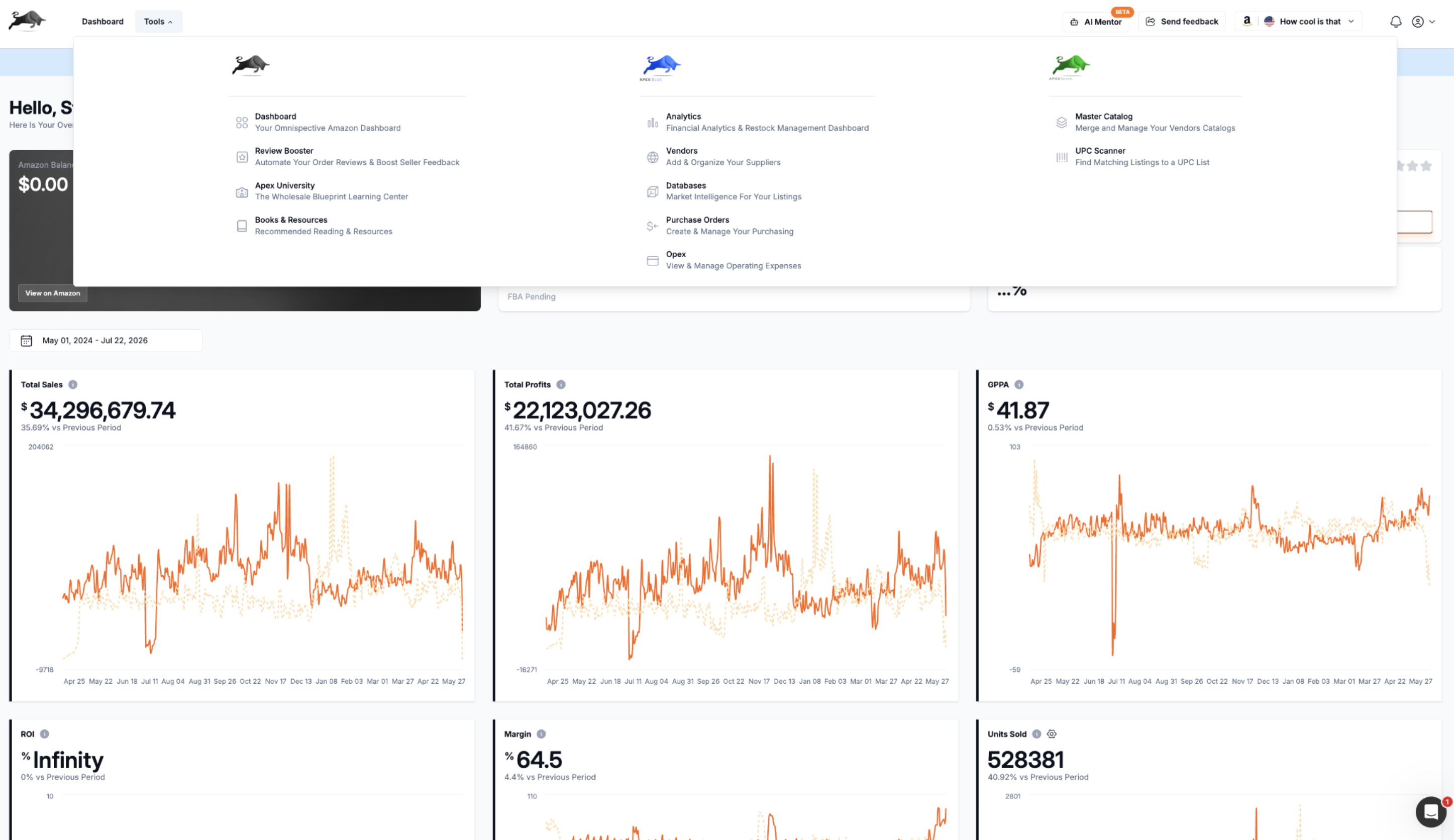
If you are weighing this decision as part of a broader startup budget, see our full startup cost breakdown, or read more about why we built Apex this way.
How to evaluate a software cost decision like an experienced seller
Before adding any new subscription to an Amazon FBA wholesale software stack, ask three questions. Does this tool solve a problem I am currently solving manually and losing real time to. Does it duplicate something another tool in my stack already does. And critically, does it connect to the rest of my workflow, or will its output need to be manually copied somewhere else. A tool that answers yes to the first question and no to the second and third is worth paying for. A tool that fails any of those checks is usually adding cost without proportionally reducing the actual work of running the business.
Frequently asked questions about Amazon seller software costs
How much should I budget for Amazon seller software each month?
A reasonable range for a wholesale seller running real volume is $100 to $300 a month, depending on whether that spend covers a stack of separate point tools or one connected suite. The number itself matters less than what it actually buys, since a $300 stack that still requires manual reconciliation between tools delivers less real value than a $150 suite that eliminates that reconciliation entirely.
Is it worth paying for Amazon seller software as a beginner?
Yes, though the specific tools worth paying for change as volume grows. A brand new seller with one supplier and a handful of SKUs can manage margin tracking manually for a short while, but the habit of using proper tooling from day one, rather than retrofitting it after the business has already outgrown a spreadsheet, tends to prevent the exact margin blindness and untracked purchase order problems covered throughout this blog.
Do I need separate software for sourcing, purchase orders, and inventory?
Not necessarily. This entire guide exists because most sellers default to separate tools for each function simply because that is how the market is structured, not because it is the best approach. A connected suite that covers sourcing, purchasing, and inventory together eliminates the manual handoffs between separate tools, which is often worth more in saved time and reduced errors than any single point tool's specialized features.
Ready to put this into practice?
Apex Black, Blue, Green & Red connect sourcing, purchasing, and profit tracking into one suite. Start your 7-day free trial, no card charged until it ends.
Start Free Trial